What is the Eisenhower matrix?
The Eisenhower matrix is a simple way to decide what to do first. It sorts every task by two questions: is it urgent? and is it important? It is named after Dwight D. Eisenhower, who was known for separating what is urgent from what is truly important.
Want to go deeper? Read urgent vs important, see examples for students, parents and managers, or grab the free template.
How TierTask works
- Create a board. One click, no sign-up. It opens with four example tasks you can delete.
- Add projects and tasks to the right box. Set deadlines, attach files and tag people. Move anything between boxes as priorities change.
- Share the link. Everyone with the link sees the same board, live. Add a password if you want extra protection.
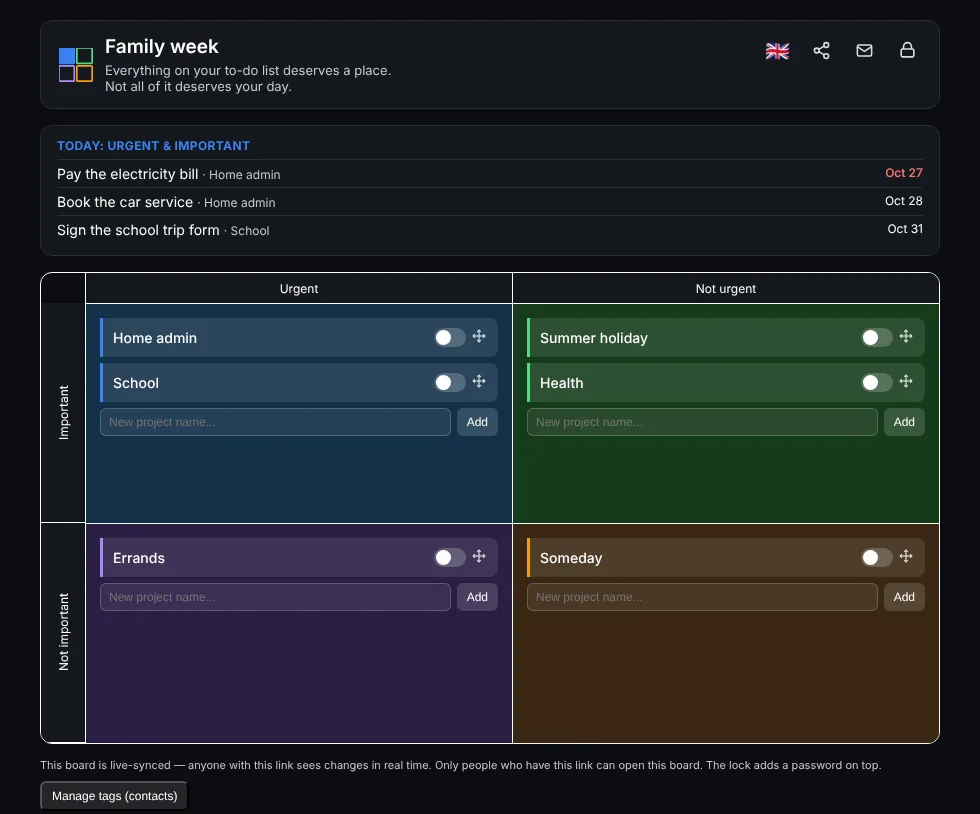
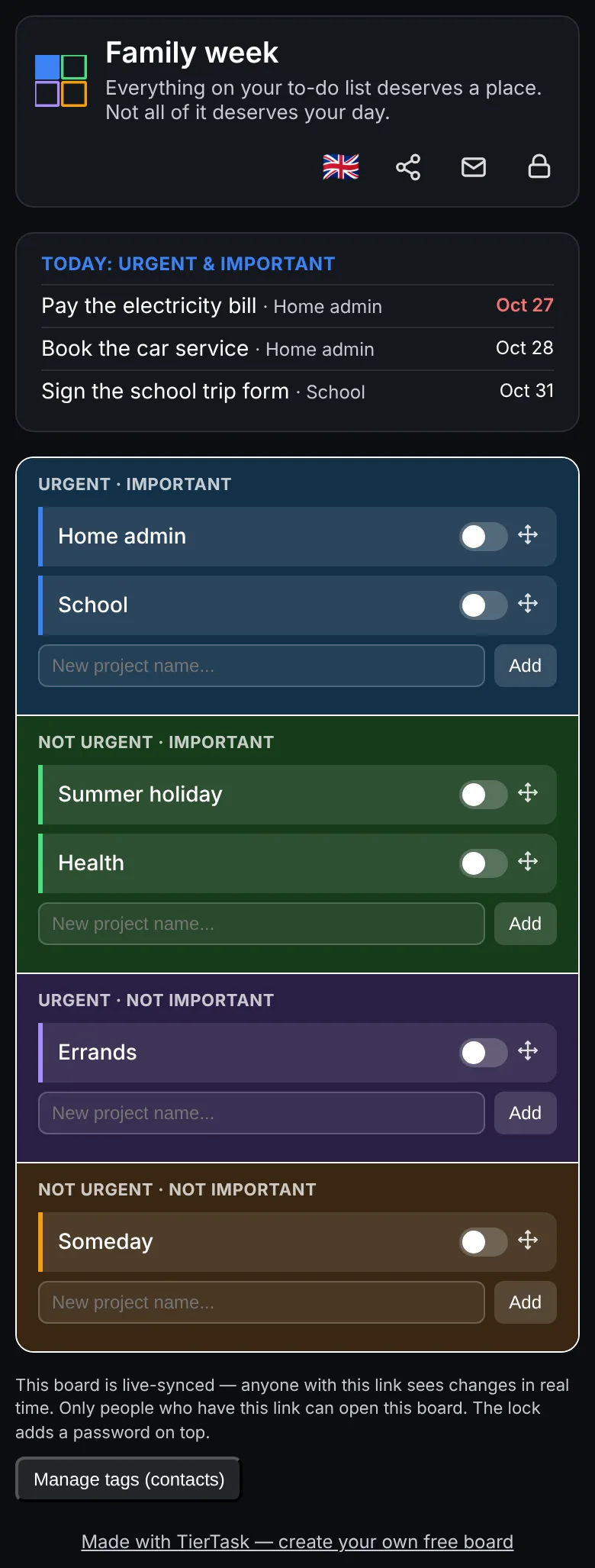
Made for sharing
Most matrix apps are for one person. TierTask boards are live, so couples, families and small teams can plan together: one person adds a task and it appears on everyone's screen straight away.
Frequently asked questions
What is the Eisenhower matrix?
The Eisenhower matrix is a simple way to prioritise. You sort every task into one of four boxes by two questions: is it urgent, and is it important? Urgent and important tasks come first, important but not urgent ones get scheduled, urgent but not important ones can be delegated, and the rest can be dropped.
Is TierTask free?
Yes. TierTask is free to use. You can create a board in one click.
Do I need to sign up?
No. Press “Create New Dashboard” and your board opens straight away. You can add your email afterwards so we can send you the link again if you ever lose it.
How do I share a board?
Use the share icon on your board to copy the link or send it by email. Anyone with the link sees the same board and every change appears live on their screen.
Is my board private?
Your board can only be opened by people who have its link. For extra protection, the lock icon lets you add a password, or approve specific Google or Microsoft accounts.
Can I use TierTask on my phone?
Yes. It works in any modern phone or desktop browser, and on a phone the four boxes stack in one column so everything fits. You can also add it to your home screen.
I lost my board link. How do I get it back?
On the homepage, choose “Already have a board? Get your link emailed” and enter the email you saved on the board. Boards you opened on a device are also listed on the homepage of that device.